Targets that
learn from you.
Log what you eat and weigh in. DietCoach works out how much energy you really burn and adjusts your calories and macros every week — and shows you the math.
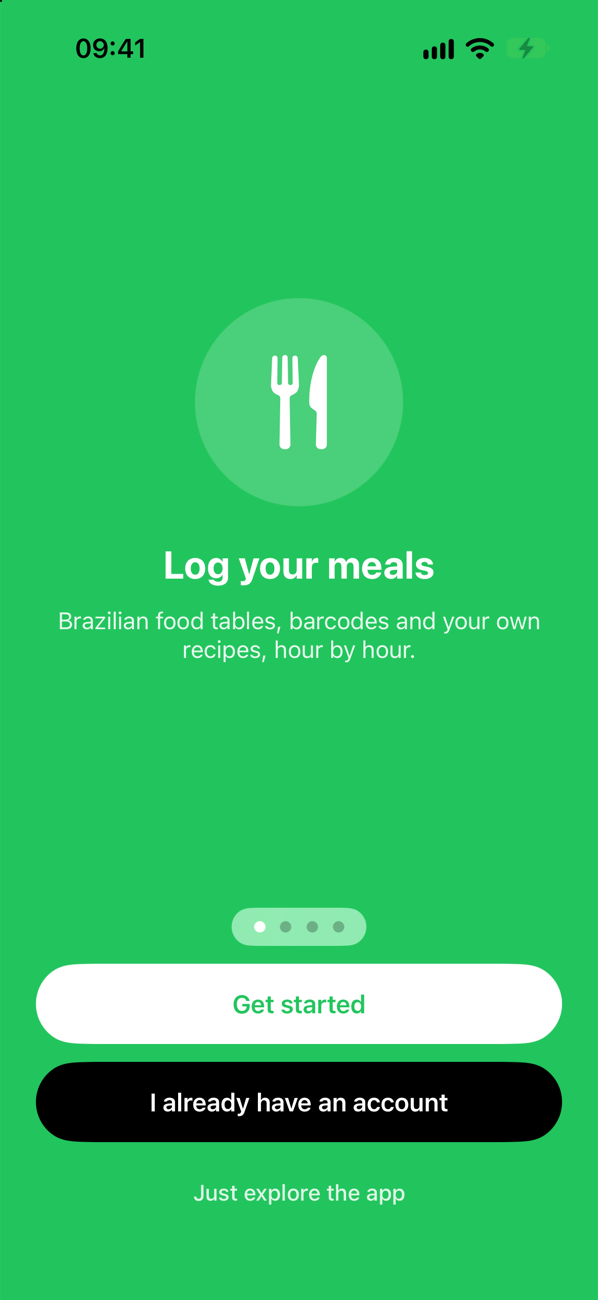
Log what you eat and weigh in. DietCoach works out how much energy you really burn and adjusts your calories and macros every week — and shows you the math.
Why another diet app
Calculators start from your height, weight and age, multiply by an activity level you picked from a list, and never look back. Three things go wrong.
Two people with the same body can burn hundreds of calories apart. A formula can't tell them apart; a few weeks of your own data can.
As you lose or gain weight, what you burn changes too. A target set on day one quietly stops matching your goal.
Water and salt move the scale by a kilo overnight. Reacting to every weigh-in means changing the plan for the wrong reasons.
How it works
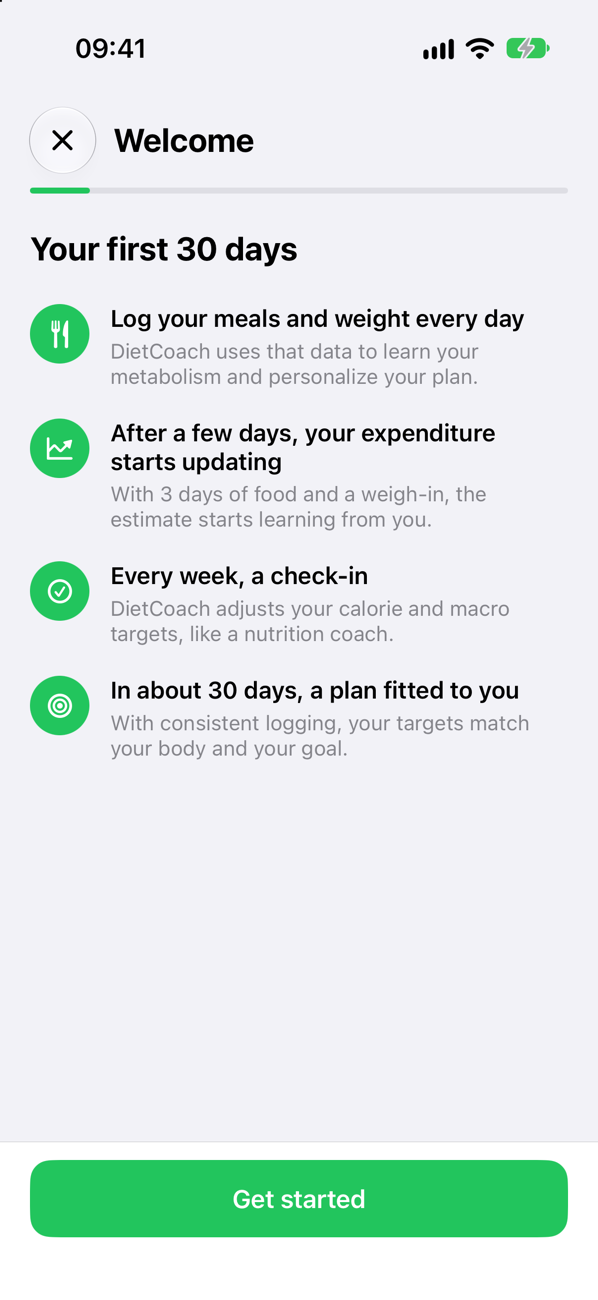
Food log, barcodes, recipes, or a photo of the plate. A weigh-in in the morning.
With 3 days of food and a weigh-in, the estimate starts learning from you instead of from a formula.
DietCoach proposes new calorie and macro targets and explains what changed and why.
In about a month of consistent logging, your targets match your body and your goal.
Features
Build a plate and log it in one go. Brazilian TACO food table, your own foods, favorites and recents.
Scan a barcode to find the product. Not found? Photograph the nutrition label and a new food is filled in for you to check.
Take a photo or describe the meal. The AI lists ingredients and grams; nutrition always comes from the food database, and you review before logging.
Build recipes from scratch or import them from a link, a photo or pasted text — with per-serving nutrition and every vitamin and mineral on record.
Your energy expenditure is recalculated from intake and weight trend. When there isn't enough data, it holds instead of guessing — and says so.
Lose, maintain or gain at a pace set as a percentage of your body weight. Pick a diet style, protein level and higher-calorie days.
Progress
The scale jumps; your trend weight doesn't. DietCoach smooths your weigh-ins and puts every number — intake, expenditure, weight, habits — on one dashboard.
Plans
Everything that makes DietCoach work — food log, targets, expenditure, check-ins, progress — is free, supported by ads.
The full app with ads, plus 3 AI analyses to try it out.
The full app without ads. Monthly or yearly.
No ads, plus 15 meal analyses and 15 label reads with AI every day. Monthly or yearly.
Prices are shown in the app in your local currency. Subscriptions renew automatically and can be cancelled anytime in your Apple ID settings.
Privacy
What you eat and weigh can be sensitive. Here is exactly how DietCoach treats it.
Photos and text go to the AI (Claude, by Anthropic) only when you use it and after you allow it. We don't keep the photos, and your name, email and health data are never sent.
Your food log, body data and Apple Health data are used to run the app for you — never for advertising. Usage stats sit under a random identifier, not your account.
Profile → Delete Account erases everything immediately. No email, no waiting.
Full detail in the Privacy Policy and Your Privacy Choices.
FAQ
Yes. The food log, targets, adaptive expenditure, check-ins and progress are free, with ads. Paid plans remove the ads and add daily AI analyses.
You need one account, and it's the same in both apps. If you already use Kaha Trainer, sign in with it and your profile, weight and measurements are already there. If not, create it in DietCoach.
From food databases — the Brazilian TACO table, Open Food Facts for barcodes, and the foods and recipes you create. The AI never invents nutrition values: it names ingredients and amounts, and each one is looked up in the database.
It starts from a standard formula and then learns from your data: average intake over the last weeks minus the change in your weight trend. It only updates when the last 7 days have at least 3 days of food logged and a weigh-in.
No. DietCoach gives educational information based on what you enter. Talk to a health professional before big changes to your diet, especially if you are pregnant, have a medical condition or a history of eating disorders.
English, Portuguese (Brazil) and Spanish — the whole interface. It follows your iPhone's language by default, and you can change it in the app.
Almost there
Drop us a line and we'll tell you the day it goes live.
Email us at info@kahatrainer.com